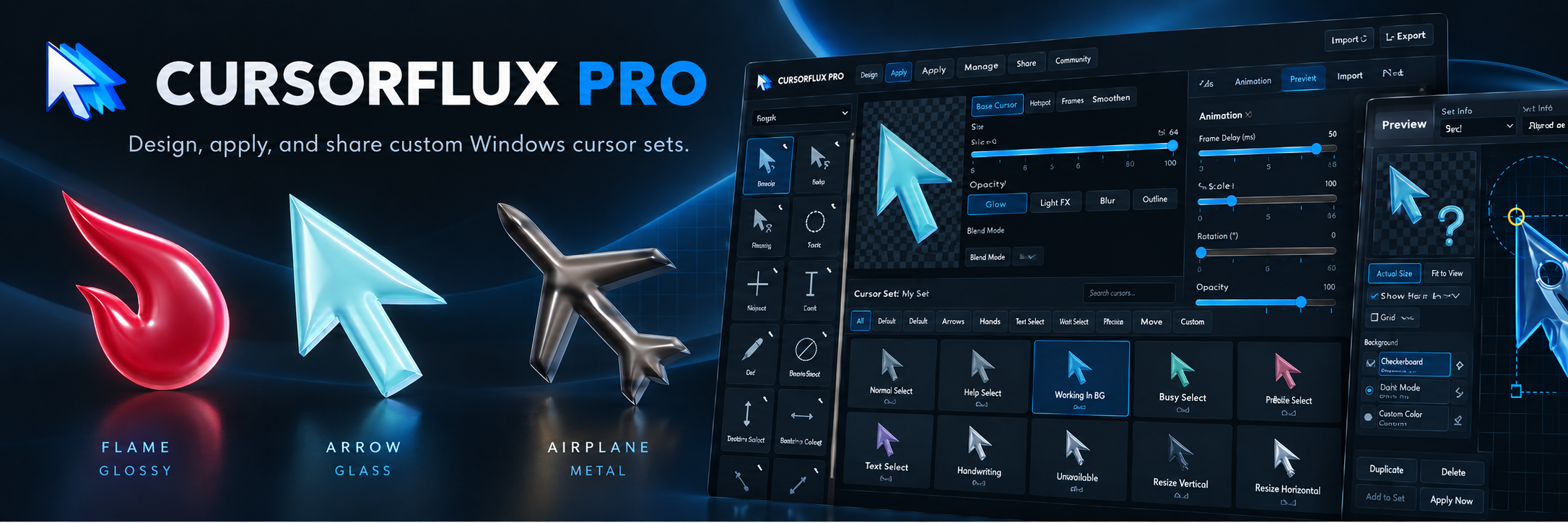
CursorFlux Pro
A downloadable app for Windows
Make your Windows cursor genuinely yours
CursorFlux Pro is a complete Windows cursor design studio for creating, customizing, animating, applying, and sharing full cursor sets.
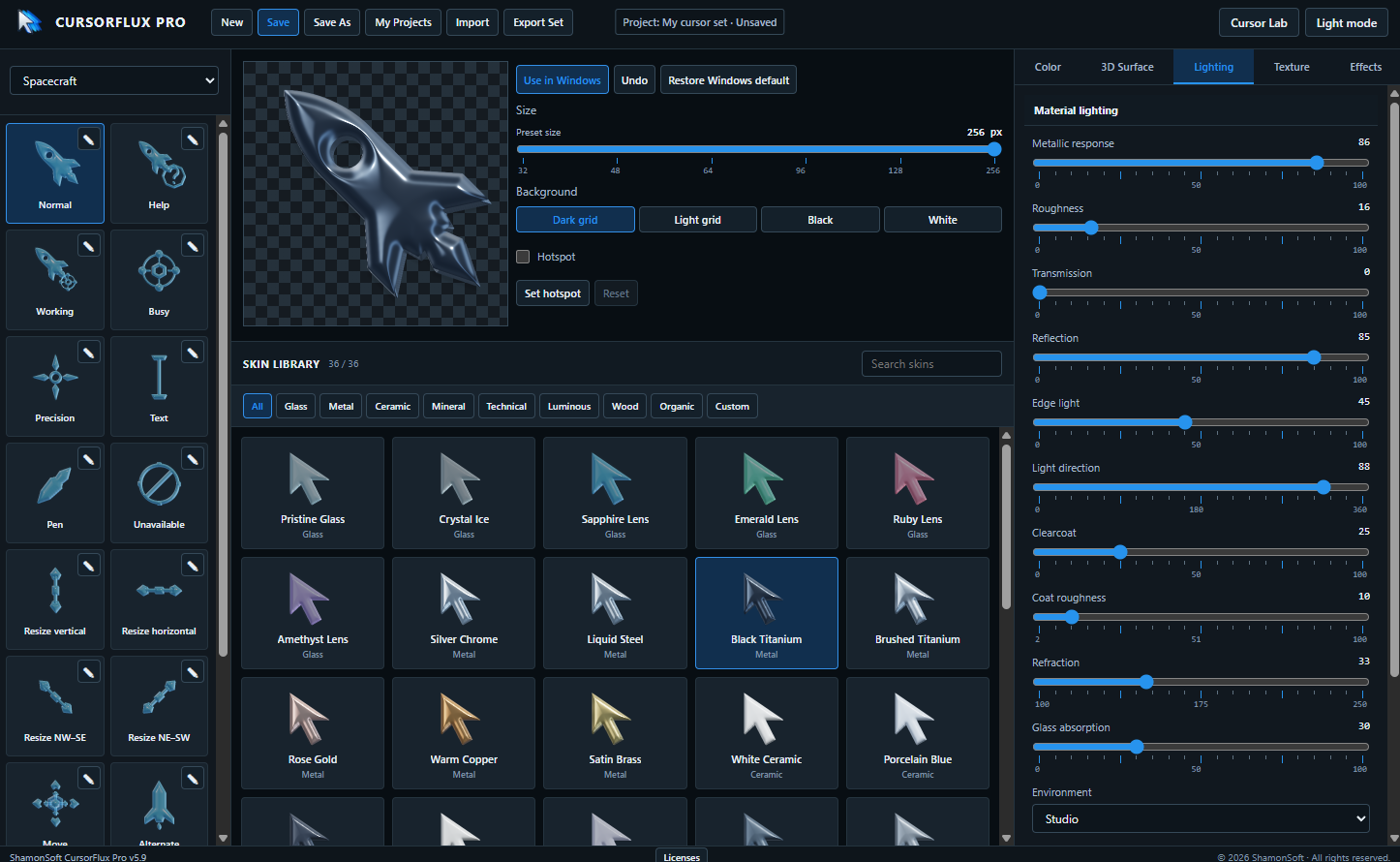
Start with one of the built-in cursor families, choose from dozens of skins and material styles, then customize color, surface, lighting, texture, transparency, size, glow, effects, and animation. When your set is ready, apply it directly to Windows or export it as an installer set you can share.
Design it your way
Choose from a growing library of styles including:
- Glass
- Metal
- Ceramic
- Mineral
- Technical
- Luminous
- Wood
- Organic
- Custom designs
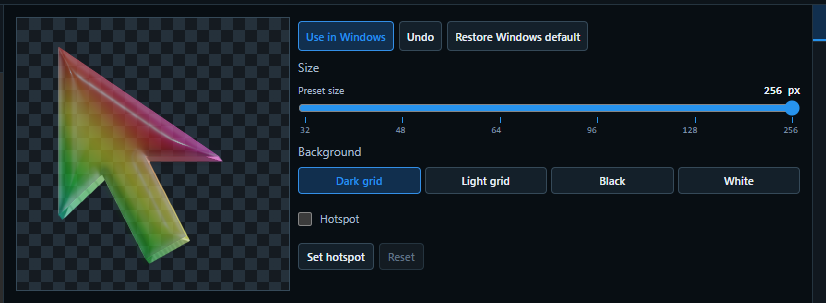
Fine-tune each look using dedicated controls for Color, 3D Surface, Lighting, Texture, Effects, and Animation, with a live preview as you work.
Animate your cursors
CursorFlux Pro lets you create animated cursor roles as part of your theme.
Build motion into supported cursors, adjust animation behavior and timing, and preview the result before applying it to Windows. Animated Working and Busy cursors can be customized alongside the rest of the set so the whole theme stays consistent.
Complete Windows cursor sets
CursorFlux Pro supports the full range of Windows cursor roles, including:
- Normal
- Help
- Working
- Busy
- Precision
- Text
- Pen
- Unavailable
- Resize cursors
- Move
- Alternate Select
- and more
Individual roles can be customized while still belonging to a complete coordinated theme.
Build your own cursors with Cursor Lab
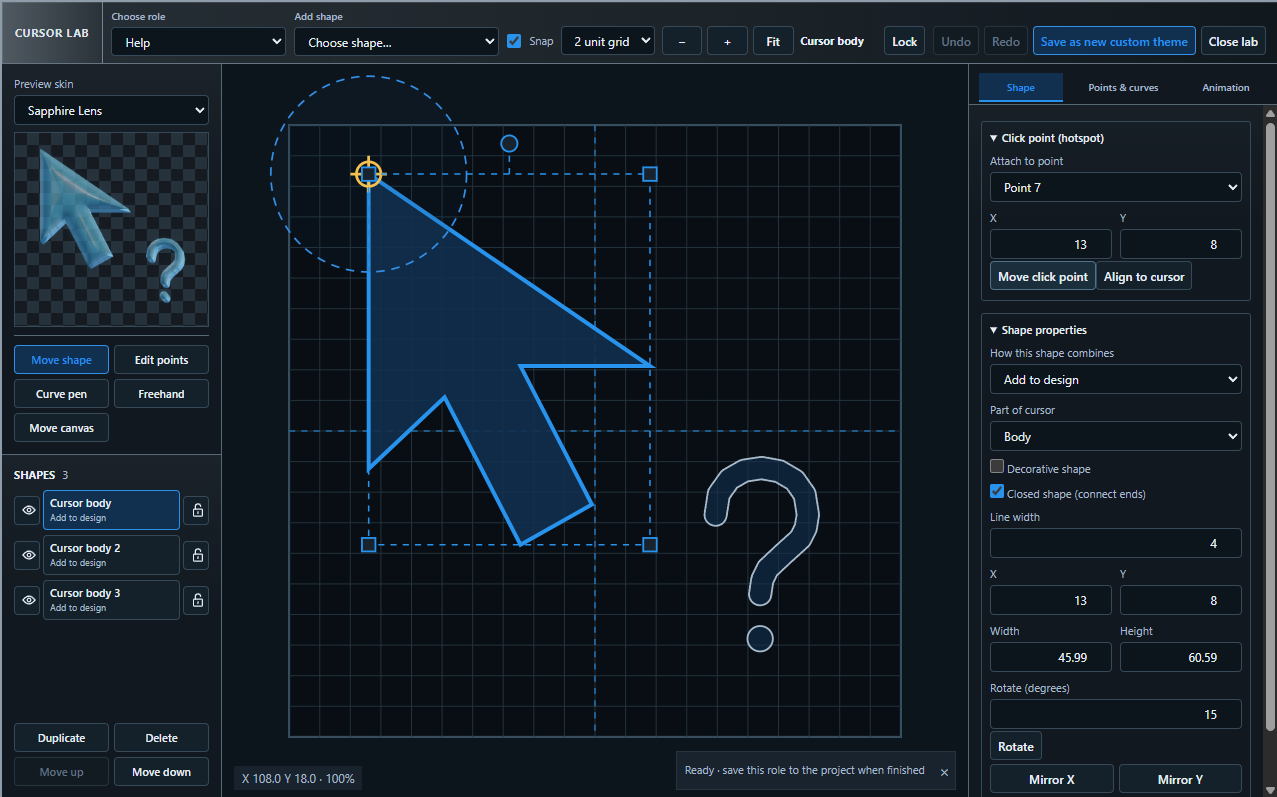
Cursor Lab gives you tools to create and edit cursor artwork directly inside CursorFlux Pro.
Create shapes, edit points and curves, position hotspots, rotate and mirror elements, combine multiple design layers, and build custom cursor roles from the ground up. Custom designs can be saved back into your theme library for continued editing and reuse.
Use it or share it
When your cursor set is finished, you have two options:
Use in Windows Apply the complete cursor set directly to Windows from inside CursorFlux Pro, with an easy option to restore the Windows defaults whenever you want.
Export Set Create a distributable Windows cursor installer set so your finished themes can be backed up, shared with friends, or distributed to other users.
Additional features
- Live cursor preview
- Cursor animation support
- Multiple material and surface types
- Custom primary and secondary colors
- Transparency controls
- RGB effects
- Adjustable cursor sizes
- Project save and management
- Import existing projects
- Undo support
- Windows default restoration
- Custom theme creation
- Built-in Cursor Lab
- Light and dark interface modes
System requirements
- Windows 10 or Windows 11, 64-bit
- Administrator approval may be requested when applying system cursor changes
SmartScreen notice: Some releases may not be code-signed, so Windows may display an Unknown publisher warning. Download CursorFlux Pro only from official ShamonSoft distribution pages.
Support: support@shamonsoft.com
Purchase
In order to download this app you must purchase it at or above the minimum price of $14.99 USD. You will get access to the following files:
Leave a comment
Log in with itch.io to leave a comment.